Mac is live now at $9.99. Load your library, connect YouTube, and keep the channel moving from one app.
Mac app. YouTube Live workflow. Suno support built in.
Run your station. Keep it live.
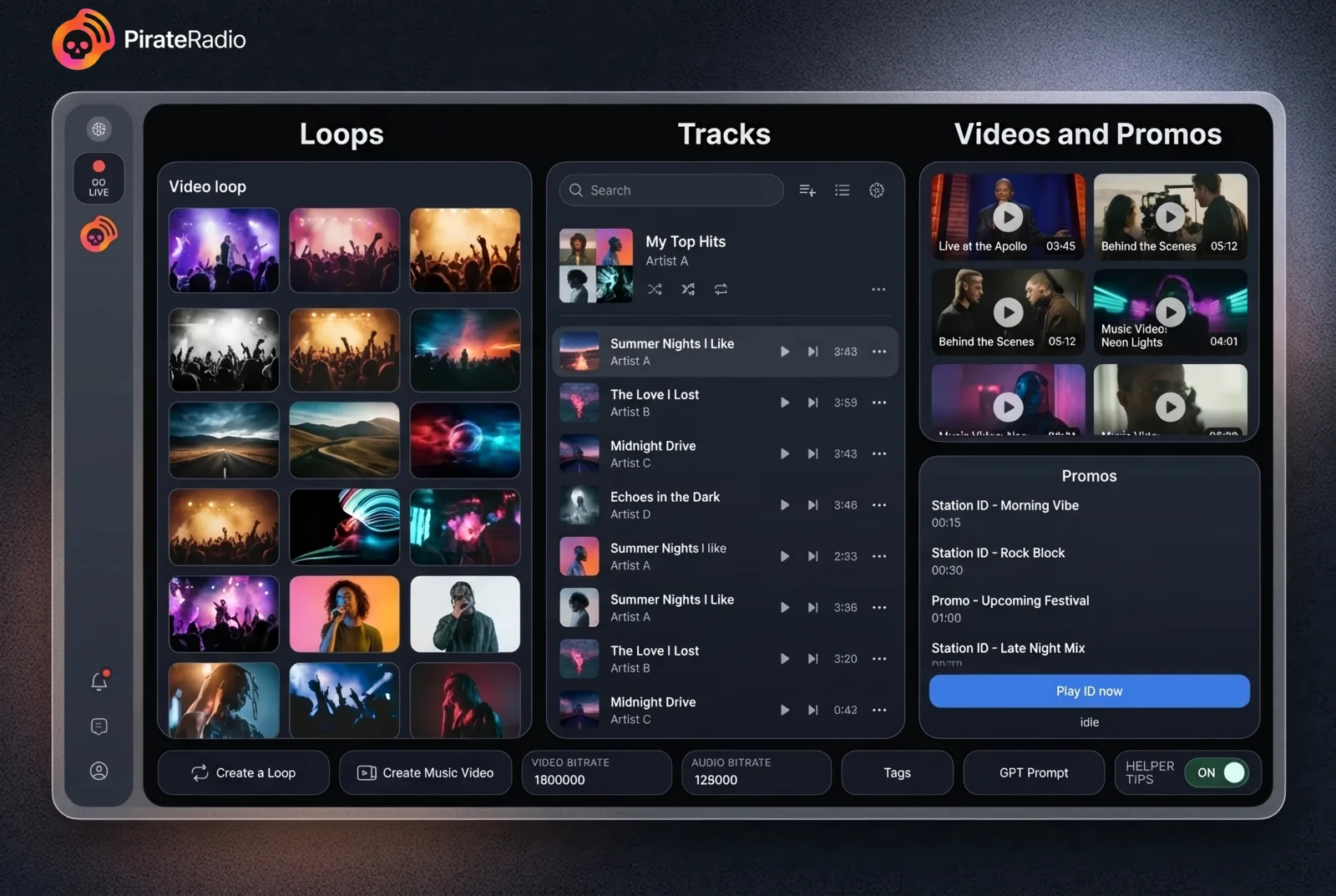
PirateRadio turns your own media library into a YouTube Live channel that can keep moving for hours. Load video loops, tracks, full music videos, sponsor messages, and DJ announcement clips. Stay hands-on when you want. Let the rotation carry the stream when you do not.
Already bought PirateRadio? Retrieve your download, receipt, or license.
Live channel view
Video loops over songs
Queue next while live
Monitor stream health
Generate video loops or basic music videos when you want more visual variety in rotation.
Join the waitlist if you want to be first to know when PirateRadio mobile goes live.
How it works
One workflow. One live channel. One place to stay in control.
A more cinematic look at the product, grounded in what PirateRadio actually does when the stream is on.
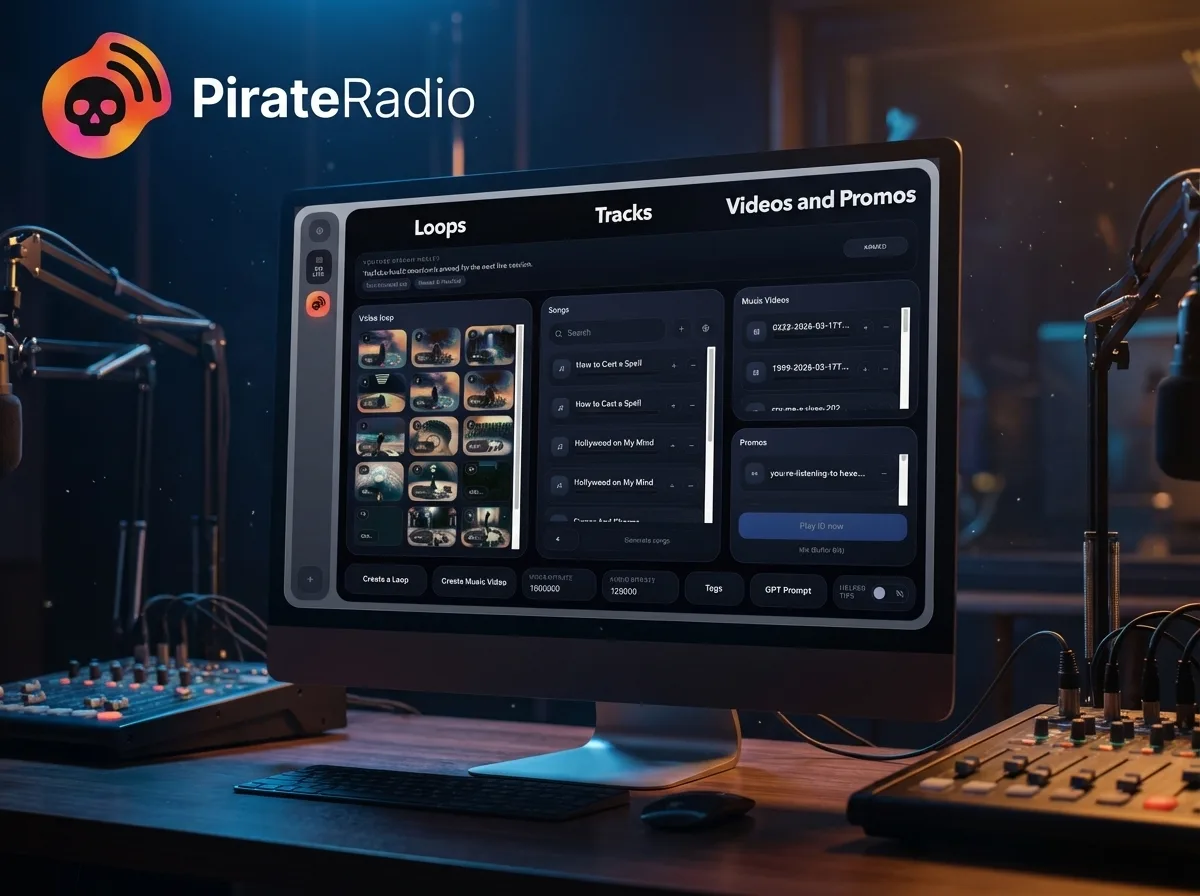
Library
01
Bring your whole channel into one place.
Video loops, tracks, full music videos, sponsor messages, and DJ announcement clips all start from your own files.
Load the library.
Own media first. Build the channel from the files you already trust instead of buying content just to get started.
Keep it moving live.
Let the app carry the rotation. Step in whenever you want to steer the next track, music video, sponsor message, or DJ clip.
Expand the library on demand.
Add AI-generated visuals when you want more material on screen.
Suno
Suno Integration.
- Connect your Suno account to generate tracks on the fly.
- Specify the song styles and build a style database to rotate through.
- For lyrics, use the Remi Lyric writer to automatically write lyrics.
- Build a Remi prompt database to cycle through song lyric topics automatically.
- Save new generations locally to your machine.
- *Uses your Suno account and credits.
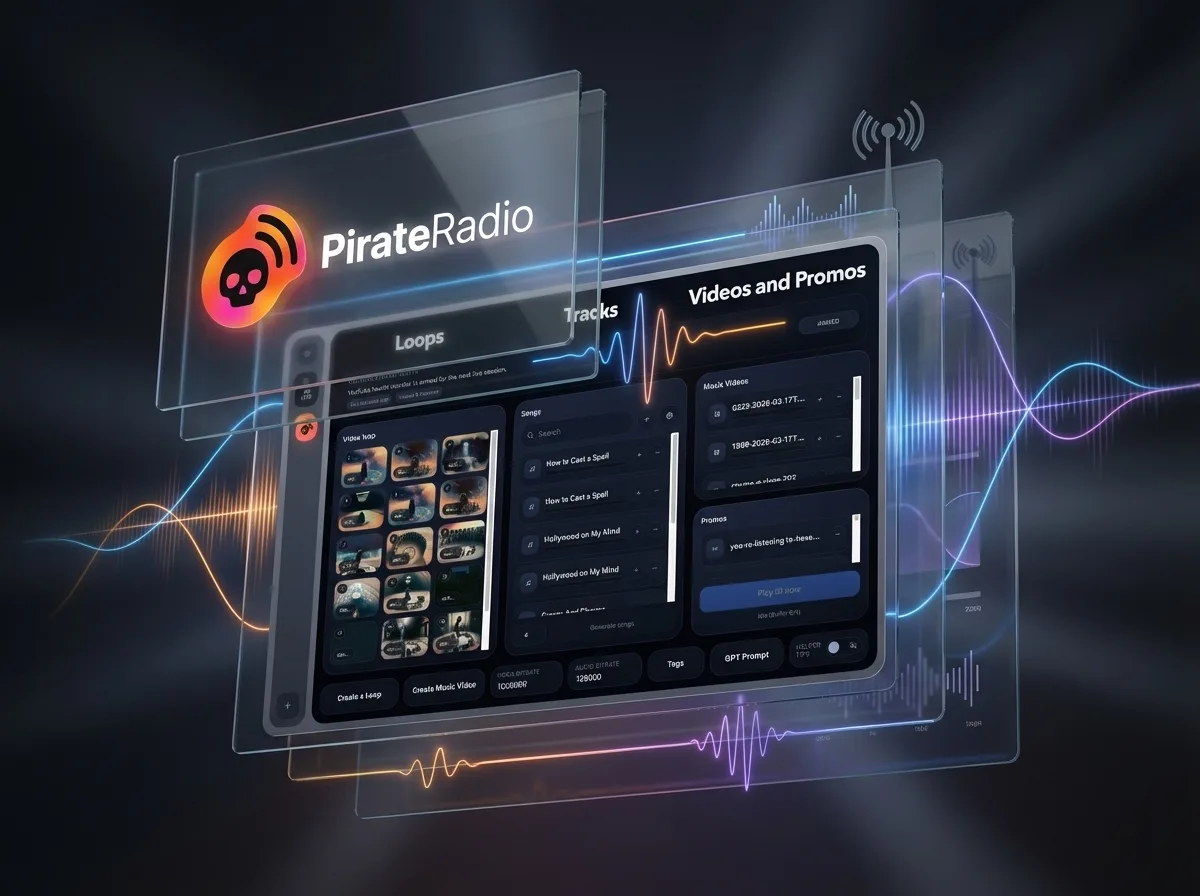
What you get
Everything you need to go live.
Everything you need to run the channel, with AI visual tools ready when you want more variety on screen.
Everything you need to go live.
- Import video loops, songs, full music videos, sponsor messages, and DJ announcement clips from your own library
- Video loops play over songs
- Play full music videos when you want bigger visual moments in the rotation
- Alternate between video loops and music videos automatically when both are loaded
- Queue the next track or music video while the stream is live
- Connect YouTube and monitor stream health
Create more visual variety in app.
- Generated video loops
- Basic music videos
- Create more on-screen variety without leaving PirateRadio.
- Useful when you want fresh visuals without sourcing or editing them elsewhere.
Workflow
The live workflow, broken down.
Keep the channel moving autonomously. Step in whenever you want to steer it.
Keep the channel moving. Autonomously.
- Import video loops, tracks, music videos, and sponsor or DJ clips
- Keep video loops rotating behind the active audio
- Alternate between songs and music videos automatically
- Queue any song or music video to play next while live
Stay in control.
- Sync YouTube ingest from the app
- Monitor YouTube stream health while broadcasting
- Let sponsor messages or DJ clips play at set intervals or trigger one immediately
Use our AI to create new visuals in app.
- Generate a new video loop in the app
- Create a basic music video in the app
- Generate new Suno songs with your own Suno Pro or Premium account
Pricing
Simple pricing.
PirateRadio for Mac is $9.99. AI visual tools are available in app, and Suno always uses your own account and credits.
$9.99.
Everything needed to load your library, connect YouTube, monitor the live channel, and keep the rotation moving.
IncludedCore broadcast workflow
PlatformMac available now
AI visuals on demand.
Generated video loops$1.99
Basic music videos$3.99
Create more screen material in app whenever the channel needs it.
iPhone and iPad.
Mac is the full live experience today. Join the list if you want updates when PirateRadio goes mobile.
Join the mobile waitlistiPhone and iPad
Be first to know when PirateRadio goes mobile.
Want to know when PirateRadio mobile goes live? Fill out this form to be the first to know.
FAQ
Common questions.
What can PirateRadio handle in the live workflow?
PirateRadio can import your own video loops, tracks, full music videos, sponsor messages, and DJ clips, play video loops over songs, switch into full music videos, sync YouTube ingest, monitor stream health, and let you queue what plays next while the channel is live.
Can I use my own visuals and audio?
Yes. PirateRadio is built around your own media library. You can import your own loops, tracks, music videos, sponsor messages, and DJ announcement clips directly into the app.
What are the AI visual tools for?
The AI visual tools are there when you want more material in rotation. Generate a new video loop or a basic music video in app, then drop it straight into the live channel.
How does Suno fit into PirateRadio?
If you already have a Suno Pro or Premium account, PirateRadio can use it to generate tracks on the fly, rotate through saved style databases, use Remi Lyric Writer and Remi prompt databases, and save new generations locally to your machine.
Can I still steer the channel while it is live?
Yes. You can queue the next track or music video while the broadcast is running, and you can let sponsor messages or DJ clips play on intervals or trigger one immediately.
Are iPhone and iPad available now?
No. Mac is available now. Want to know when PirateRadio mobile goes live? Fill out the form on this page to be the first to know.
Ready to go live?
Start your station. Keep it live.
PirateRadio is the Mac app for running a media-driven YouTube Live channel. Load your own library, use your Suno account when you want fresh tracks, and add AI-generated visuals when you want more material in rotation.